





2026-10-23
The First Truly Floating SMB Connector, Purpose-Built for Automotive Camera Modules
View More


 FPC/FFC Connector
Board to Board Connector
Wire to Board Connector
Flexible Flat Cable
RF Connector
I/O Header
FPC/FFC Connector
Board to Board Connector
Wire to Board Connector
Flexible Flat Cable
RF Connector
I/O Header
Product

Automotive
Product
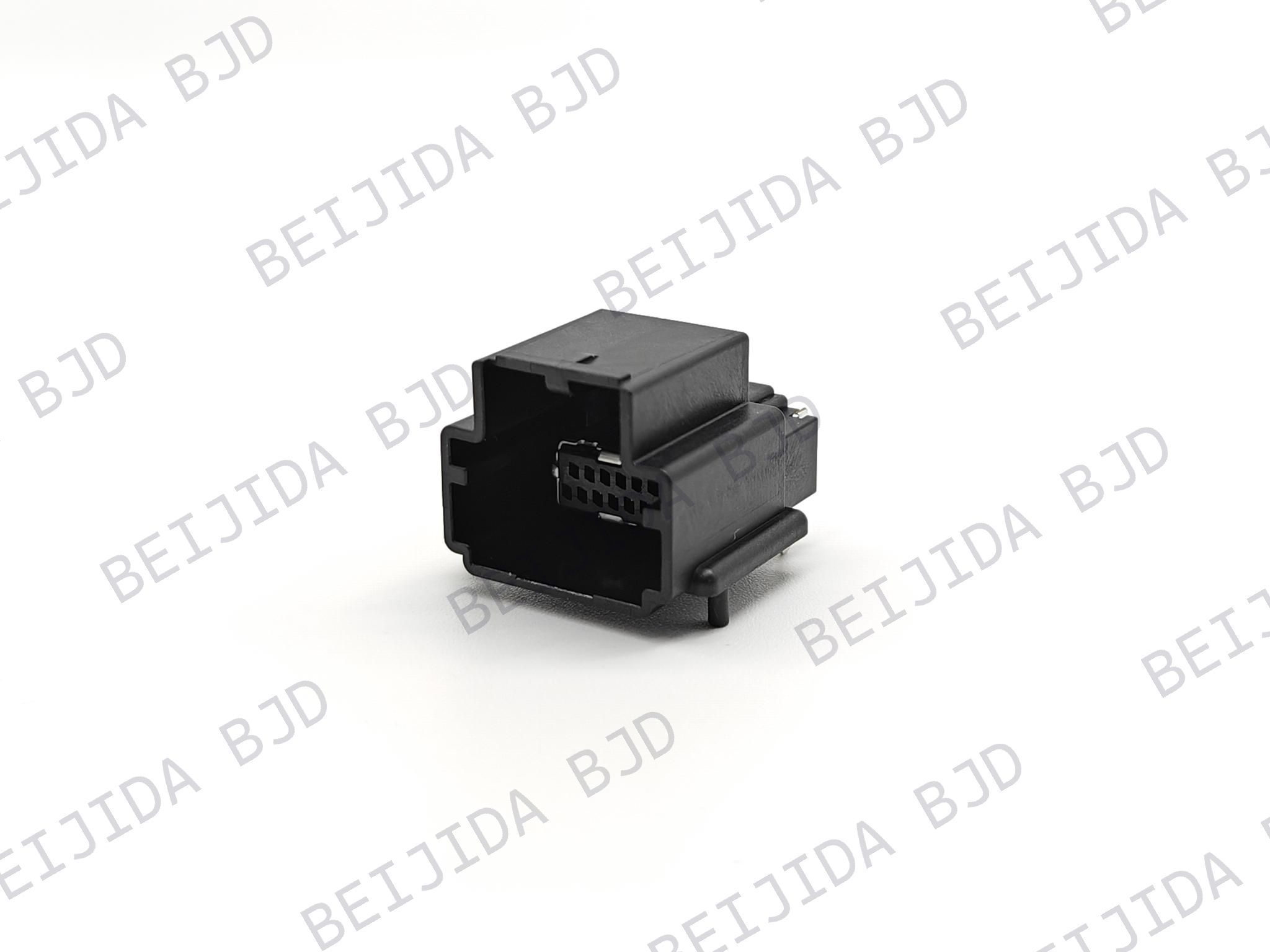 141091-211260
 Consult

A Plug-in OPS computer needs a compact and stable connection between the computing module and the display system. The board to board connector must fit the PCB layout while providing the required electrical connection, mating height, contact arrangement, and mechanical alignment. Getting these details right makes OPS integration easier and helps maintain a reliable connection during use.
A board to board connector creates a direct connection between two PCBs, helping reduce the space required for internal wiring. In a Plug-in OPS computer, this connection needs to work with the position of the computing module, the display PCB, and the surrounding components.
Our Plug-in OPS computer connector solutions cover commercial display applications that require compact board-level connections. For an OPS design, however, the connector should be selected according to the actual PCB interface and installation requirements rather than the application name alone.
The most important factors include pitch, pin count, mated height, electrical ratings, connector orientation, and the available space around the mating area.
A suitable connector needs to satisfy several requirements at the same time. Checking each specification in relation to the PCB design helps narrow the options without creating compatibility problems later.
Pitch determines the distance between contacts, while pin count determines how many connection positions the connector provides. Both directly affect PCB layout and signal distribution.
Our 123013-20XX50 uses a 0.8 mm pitch and is available with 40, 60, or 80 pins, making this 0.8 mm pitch board to board connector a suitable option to consider when a compact connection with multiple contact positions is required. It provides 9 mm or 12.75 mm mated heights, with a rated current of 0.5 A per pin and rated voltage of 50 V AC/DC.
The key is to match the pin count with the actual number of required connections while making sure the pitch fits the PCB layout.
Mated height determines the distance between the two connected PCBs. This dimension becomes important when the OPS module and display board have limited space between them.
A connector may have the correct pitch and pin count but still be unsuitable if its mated height does not fit the mechanical structure. The required height should therefore be confirmed before the connector configuration is finalized.
For designs requiring more vertical space, our 123014-20XX50 uses a 0.8 mm pitch and supports 30, 40, 50, or 60 pins, with mated heights of 15.75 mm or 19.5 mm. These options can be considered when the PCB spacing has already been defined.
Mechanical compatibility alone is not enough. The connector must also match the electrical requirements of the OPS system.
Pay attention to:
Rated current
Rated voltage
Signal requirements
Operating temperature
Required mating cycles
These values should be checked against the actual circuit and operating environment rather than selected independently.
The mating relationship between the two connectors needs to be considered together with the PCB structure. Correct alignment helps the OPS module connect smoothly without placing unnecessary mechanical stress on the connector.
Before confirming a board to board connector, check:
Mating part number
Pitch and pin count
Mated height
Connection orientation
PCB mounting method
Available installation space
Operating temperature
The mating connector should also be confirmed at the same time as the selected connector. This ensures that the two parts are designed to work together and that their dimensions correspond to the intended PCB arrangement.
For applications using a 60-pin configuration, our 123015-20XX50 uses a 0.8 mm pitch and offers 14.25 mm or 18 mm mated heights. It is rated at 0.5 A per pin and 50 V AC/DC, with an operating temperature range of -40°C to 105°C.
When an OPS computer handles higher-speed signals, connector selection needs to go beyond basic mechanical compatibility. Pitch, contact density, transmission rate, and alignment tolerance become more closely connected.
A smaller pitch can accommodate more contacts within a limited PCB area, but the connector must also provide the transmission performance required by the application.
Our 123068-60XX50-HF uses a 0.5 mm pitch and supports 20–160 pins with transmission rates of up to 16 Gbps. Its XY floating range is ±0.8 mm, while the signal current is rated at 0.5 A per pin and the connector includes four 5 A power terminals.
For an OPS design that needs higher-speed transmission within a compact PCB area, a 0.5 mm high-speed board to board connector can be evaluated together with the required pin count, mated height, and alignment tolerance.
Once the main requirements are clear, the selection process becomes more straightforward. The physical interface should be confirmed first, followed by the electrical and transmission requirements.
Confirm the following dimensions and structural requirements:
Pitch
Pin count
Mated height
Connector orientation
Mating part
PCB mounting method
Available installation space
These factors determine whether the connector can physically fit the OPS module and display PCB.
Next, compare:
Rated current
Rated voltage
Signal transmission requirements
Operating temperature
Mating requirements
For higher-speed applications, also confirm the required transmission rate and whether additional PCB alignment tolerance is needed.
Having the right specifications makes connector selection more efficient. We recommend preparing:
Required pitch and pin count
Mated height
PCB layout and available space
Mating connector
Current and voltage requirements
Signal transmission requirements
Operating temperature
Installation requirements
With these details, we can narrow the available options according to the actual OPS design instead of selecting a connector based on one specification.
Our board to board connector solutions cover different pitch, pin-count, height, and transmission requirements for display applications. If your Plug-in OPS computer has specific PCB dimensions, interface requirements, or electrical specifications, you can contact us for OPS connector selection and discuss a suitable configuration with our team.

2026-10-23
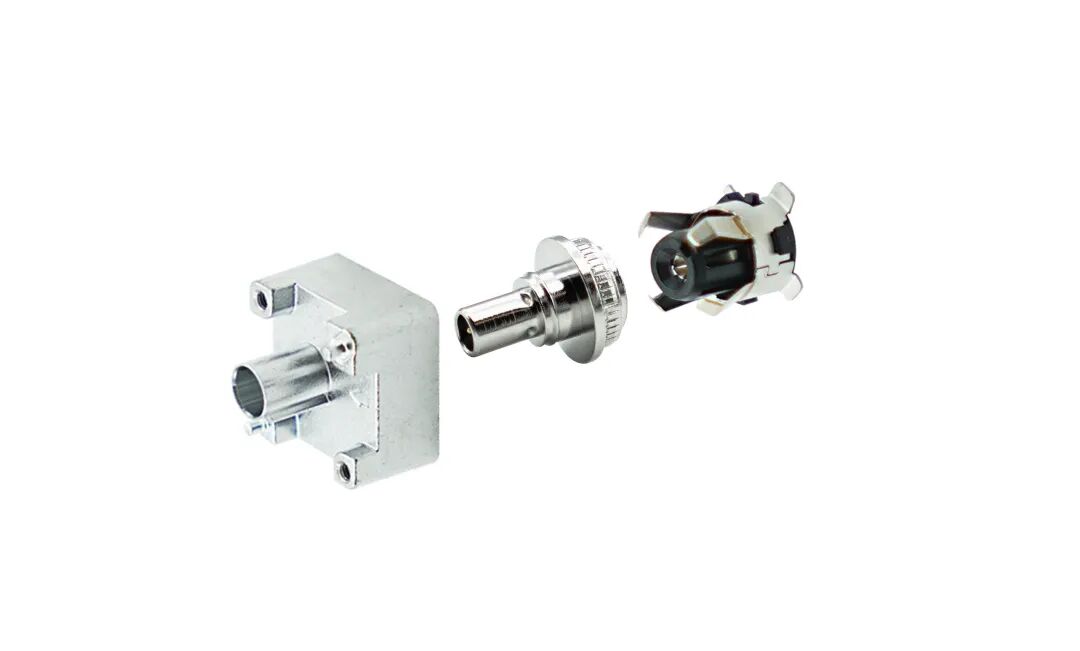
The First Truly Floating SMB Connector, Purpose-Built for Automotive Camera Modules
View More
2026-10-20
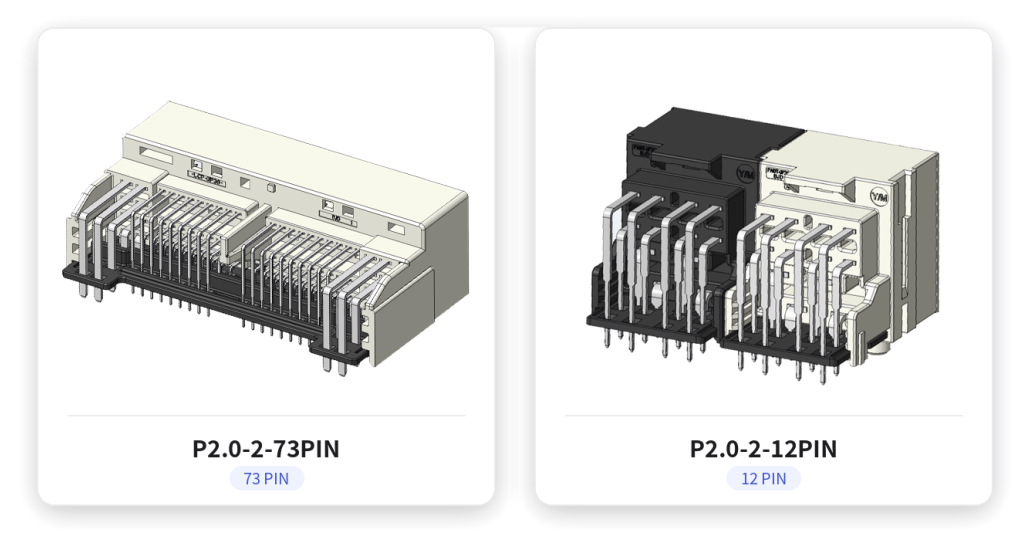
P2.0-2 Series | Compact Gangable Hybrid Connector — Signal + Power in One, Flexible Position Counts
View More
2026-10-19
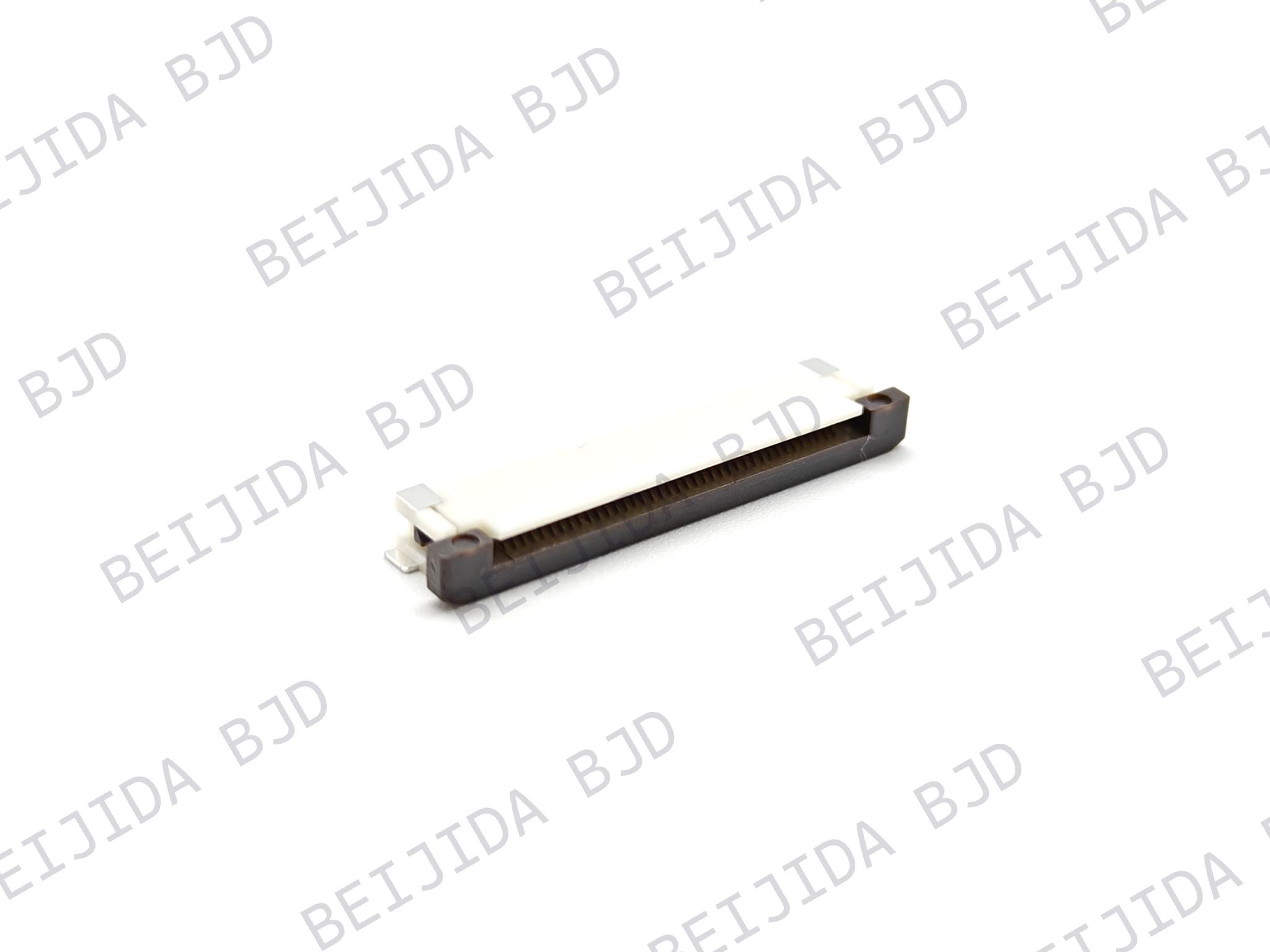
Where Are High-Performance FPC Connectors Used in Modern Electronics?
View More

