





2026-10-26
Dual Independent Spring Arms & 150°C Heat Resistance | FPC0519A Series, Built for Harsh Environments
View More


 FPC/FFC Connector
Board to Board Connector
Wire to Board Connector
Flexible Flat Cable
RF Connector
I/O Header
FPC/FFC Connector
Board to Board Connector
Wire to Board Connector
Flexible Flat Cable
RF Connector
I/O Header
Product

Automotive
Product
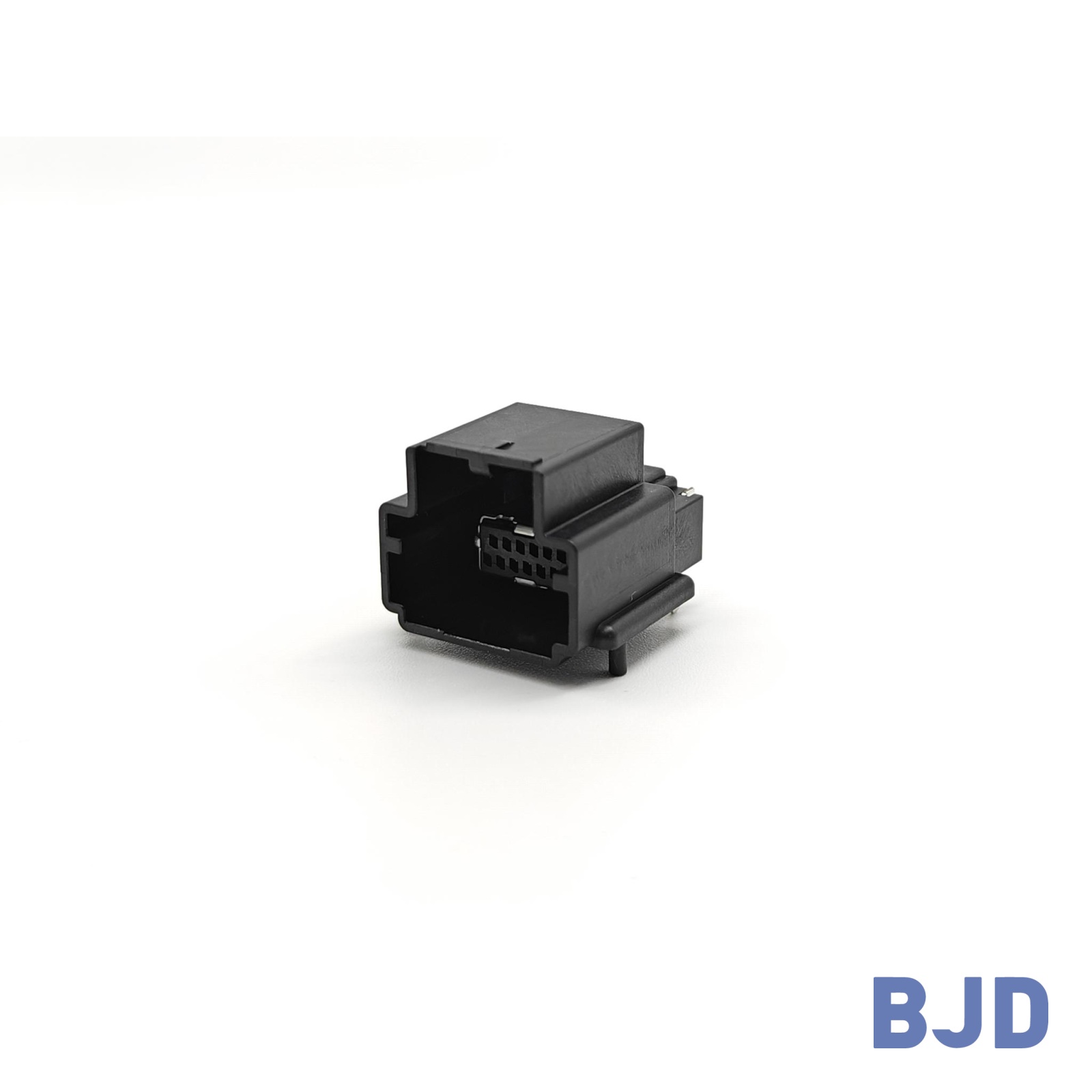 141091-211260
 Consult

How do you choose an FPC connector Raspberry Pi project needs without mismatching the cable, damaging the interface, or redesigning the PCB? The right choice depends on the board model, interface requirements, cable specifications, and connector dimensions. Check these details before selecting a replacement or designing a new connection.
Start by identifying the interface you need to connect. Raspberry Pi camera modules, displays, and expansion hardware may use different cable configurations and electrical interfaces. The correct FPC connector depends on the specific application, not just the board's appearance.
Camera and display connections commonly use flat flexible cables to connect modules to a board. However, cable width, conductor count, contact orientation, and connector dimensions can vary between models.
Before choosing a connector, confirm:
Your exact Raspberry Pi model and peripheral.
The required cable type and conductor count.
The cable's contact orientation and dimensions.
The connector's pitch and insertion direction.
Do not assume that a camera cable and a display cable are interchangeable. Even if both use flat flexible cables, their pin assignments and mechanical requirements may differ.
Raspberry Pi 5 provides a PCIe interface for compatible expansion hardware. This connection has different requirements from typical camera and display interfaces.
Check the specified cable arrangement, connector pin assignments, and electrical requirements before selecting an FPC connector. PCIe applications also require attention to high-speed signal integrity, so a connector that fits mechanically is not necessarily suitable for the complete interface.
Once you know the interface, compare the cable and connector specifications. Four key checks help eliminate unsuitable options before you review individual product models.
Pin count refers to the number of electrical positions in a connector. The cable's conductive contacts and the connector's pin arrangement must match the intended interface.
Check the original connector's part number, technical drawing, or board documentation. Also verify the pin assignment, since two connectors with the same number of contacts may use different electrical layouts.
Pitch is the distance between the centers of two adjacent contacts. Common FPC/FFC connector pitches include 0.4 mm, 0.5 mm, and 1.0 mm.
A connector with the wrong pitch will not align correctly with the cable contacts. Check the original specification or measure the contact spacing carefully, using a technical drawing or suitable measuring tool when possible.
Cable width is another important check. The overall width and contact area must fit the connector's entry and terminal arrangement. Always use the manufacturer's drawing to confirm the dimensions.
Contact orientation determines which side of the cable touches the connector terminals.
Top contact: The connector contacts meet the cable's upper conductive surface.
Bottom contact: The connector contacts meet the cable's lower conductive surface.
Dual contact: The connector supports contact arrangements on both sides, according to its design.
Also check whether the cable enters horizontally or vertically. The contact orientation and insertion direction must match the physical arrangement of your board.
Do not rely on connector appearance alone. Confirm the contact configuration in the technical drawing before connecting the cable.
The locking mechanism secures the cable and helps maintain electrical contact.
ZIF (Zero Insertion Force): Uses a movable actuator to secure the cable with minimal insertion force.
Flip lock: Uses a hinged actuator that opens for cable insertion and closes to retain it.
Slider lock: Uses a sliding component to secure the cable.
Non-ZIF: Does not use a zero-insertion-force locking mechanism and requires the appropriate cable and retention arrangement.
Check whether the connector requires a cable with locking tabs or supports a latchless cable. Cable thickness, exposed contact length, and terminal dimensions must also match the connector specification.
Yes, a replacement may be possible, but matching the pitch and pin count is not enough. The replacement must also satisfy the mechanical, electrical, and PCB requirements of the original design.
Before selecting a replacement, compare the following specifications:
| Specification | What to verify |
| PCB footprint | Pad layout, terminal positions, and solder-pad dimensions |
| Mounting style | Horizontal or vertical SMT installation |
| Connector height | Available space above the PCB |
| Connector width | Clearance around nearby components |
| Locking mechanism | Actuator position and operating space |
| Cable entry | Direction and available insertion clearance |
A connector with similar external dimensions may still have a different footprint or terminal arrangement. Direct replacement is practical only when the relevant mechanical and electrical specifications match.
Check the rated current, rated voltage, pin assignments, and operating temperature range against your application's requirements.
For PCIe and other high-speed interfaces, connector selection must also account for signal integrity and the specified cable arrangement. The suitability of a connector depends on the complete interconnection, not just its physical dimensions.
If the replacement differs from the original design, validate the electrical performance before using it in the finished product.
An adapter may be a better option when the original connector is difficult to replace or the available connector has a different mounting arrangement.
Consider a direct replacement when:
The footprint and terminal positions match.
The cable and contact configurations are compatible.
The connector fits the available mechanical space.
The electrical requirements are satisfied.
Consider an adapter when:
The new connector has a different footprint.
The cable needs a different routing direction.
The original connector is difficult to source.
A prototype needs to accommodate a different interface arrangement.
An adapter adds components, connections, and potential signal-integrity concerns. For high-speed applications, evaluate its electrical performance before committing to the design.
After confirming the interface requirements, compare candidate connectors using the same set of specifications. This makes it easier to narrow the options without choosing a model based on a single parameter.
Use this table to record the specifications of the original connector and each candidate.
| Specification | Questions to answer |
| Pitch | Is it 0.4 mm, 0.5 mm, 1.0 mm, or another required value? |
| Pin count | Does the connector match the cable's contact count and pin assignment? |
| Contact position | Does it support top, bottom, or dual contact as required? |
| Insertion direction | Does the cable enter horizontally or vertically? |
| Locking mechanism | Is a flip lock, slider lock, or another configuration required? |
| Mount type | Does the connector match the PCB mounting arrangement? |
| Connector height | Is there enough space above the board? |
Also compare cable thickness, terminal dimensions, rated current, rated voltage, and any application-specific signal requirements. A complete comparison reduces the risk of choosing a connector that fits physically but cannot perform as required.
At BJD, our FPC/FFC connector range includes different pitches, pin counts, contact configurations, locking mechanisms, and mounting styles. These options can be evaluated against your design requirements.
Three models illustrate how connector configurations differ:
BJD 101101-20XX50 — 0.5 mm Pitch, Front-Flip Lock
This model belongs to the 0.5-25 Series. It features horizontal SMT mounting, a front-flip ZIF lock, single contacts, a connector height of 2.00 mm, and a pin-count range of 4–68. It is designed for FPC/FFC cables with tabs and operates from −40°C to 105°C.
It may be worth evaluating when your design requires a horizontal connector with a front-flip locking mechanism. Confirm the cable configuration and PCB footprint before selecting it.
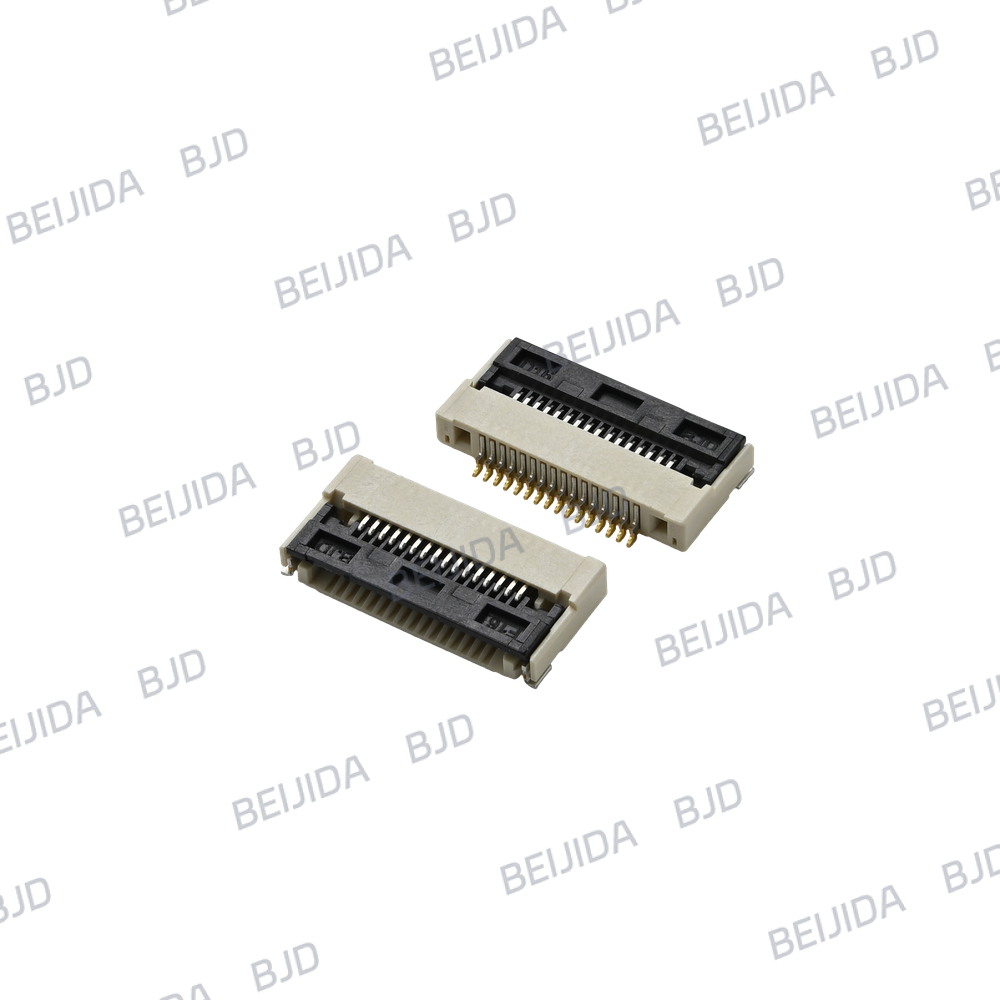
BJD 101003-20XX50 — 0.5 mm Pitch, Slider Lock
This model belongs to the 0.5-2 Series. It features horizontal SMT mounting, a ZIF slider lock, bottom contacts, a connector height of 2.00 mm, and a pin-count range of 4–50. It supports latchless FPC/FFC cables and has a rated current of 0.5 A per pin and a rated voltage of 50 V AC/DC.
Its slider lock and bottom-contact configuration distinguish it from the 101101-20XX50. Check the required contact orientation and cable dimensions before comparing the two.
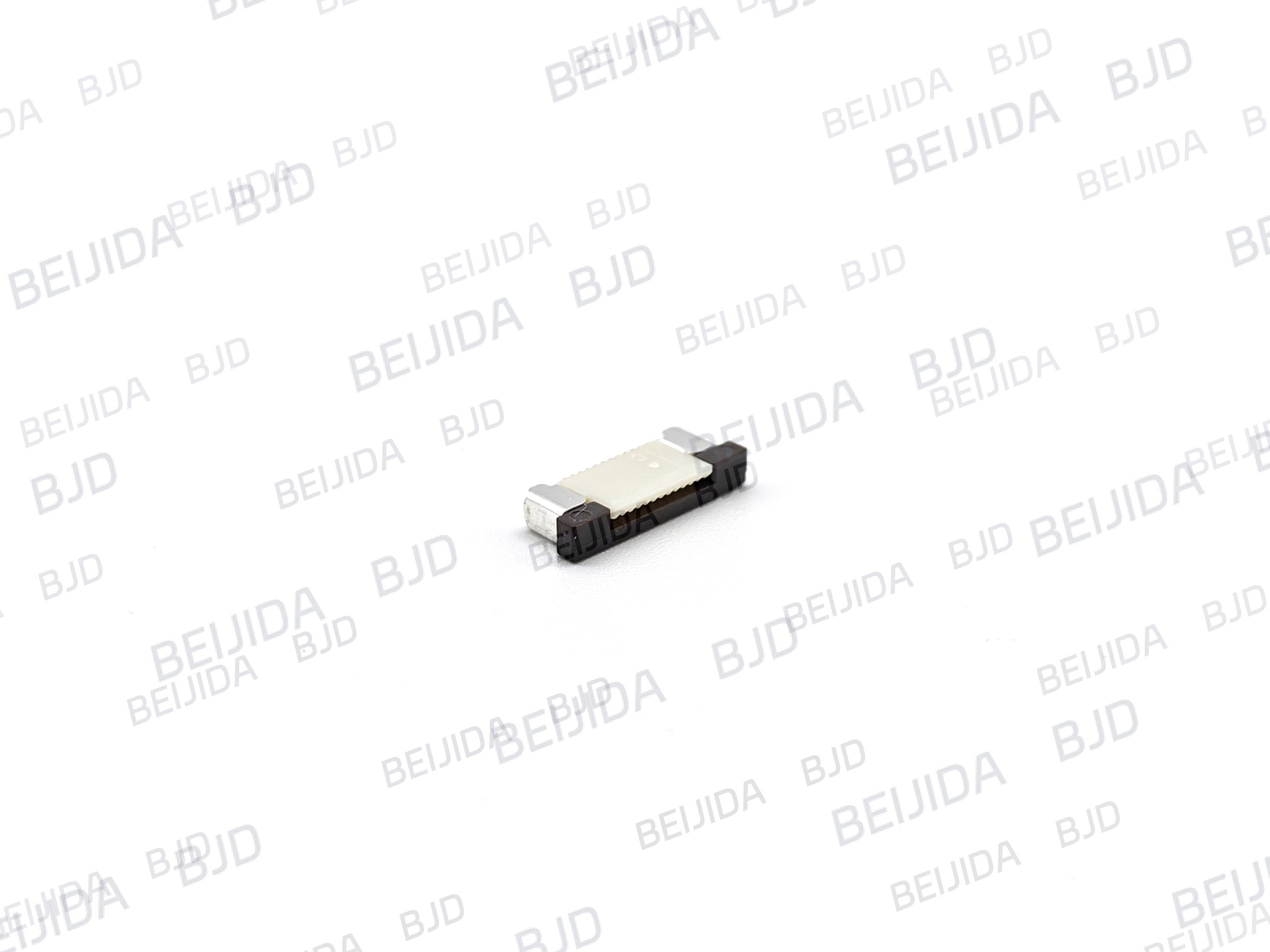
BJD 101009-20XX50 — 0.5 mm Pitch, Upper Contact
This model belongs to the 0.5-5 Series. It features horizontal SMT mounting, a ZIF slider lock, upper contacts, a connector height of 3.00 mm, and a pin-count range of 20–60. It supports latchless FPC/FFC cables and has a rated current of 0.5 A per pin and a rated voltage of 50 V AC/DC.
Its upper-contact configuration makes it a useful candidate to compare when your design requires that contact arrangement. Its height and pin-count range must also match your requirements.
These models represent different connector configurations, not universal Raspberry Pi replacements. Verify each model's complete drawing and electrical specifications before making a selection.
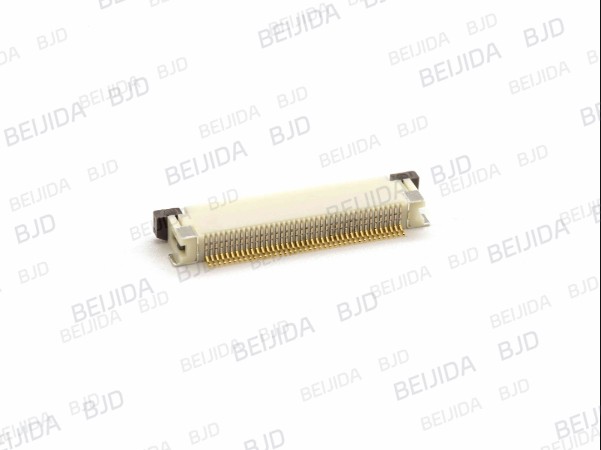
A clear set of technical details helps narrow the product options and reduces unnecessary back-and-forth during selection.
Before contacting a connector supplier, prepare as much of the following information as possible:
Raspberry Pi model and interface type.
Connected peripheral or expansion hardware.
Original connector part number, if available.
Cable pitch, conductor count, thickness, and contact orientation.
Connector height, mounting style, and locking mechanism.
PCB footprint or mechanical drawing.
Electrical ratings and high-speed signal requirements, where applicable.
Clear photographs of the connector and cable can also help identify potential candidates. However, photographs should support—not replace—technical drawings and verified specifications.
Once you have narrowed down the options, compare the technical drawings and request CAD files or samples when necessary. A physical fit check can help verify mechanical compatibility, while electrical testing is needed to validate the complete connection.
At BJD, we can help evaluate connector options against the specifications you provide. Visit our official BJD connector resources to explore our connector solutions, or contact our technical team with your part number, cable details, and PCB drawing.
The most reliable way to choose an FPC connector for Raspberry Pi is to confirm the interface first, match every critical specification, and validate the selected model before finalizing your design.

2026-10-26
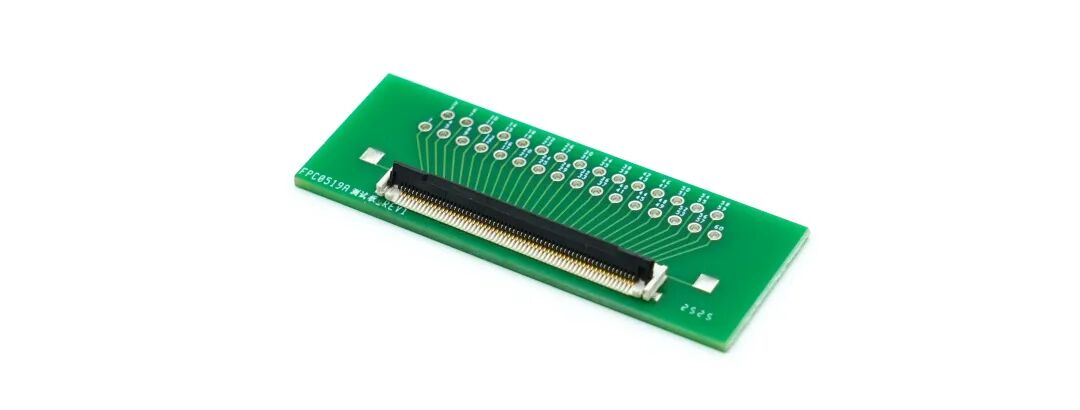
Dual Independent Spring Arms & 150°C Heat Resistance | FPC0519A Series, Built for Harsh Environments
View More
2026-10-26
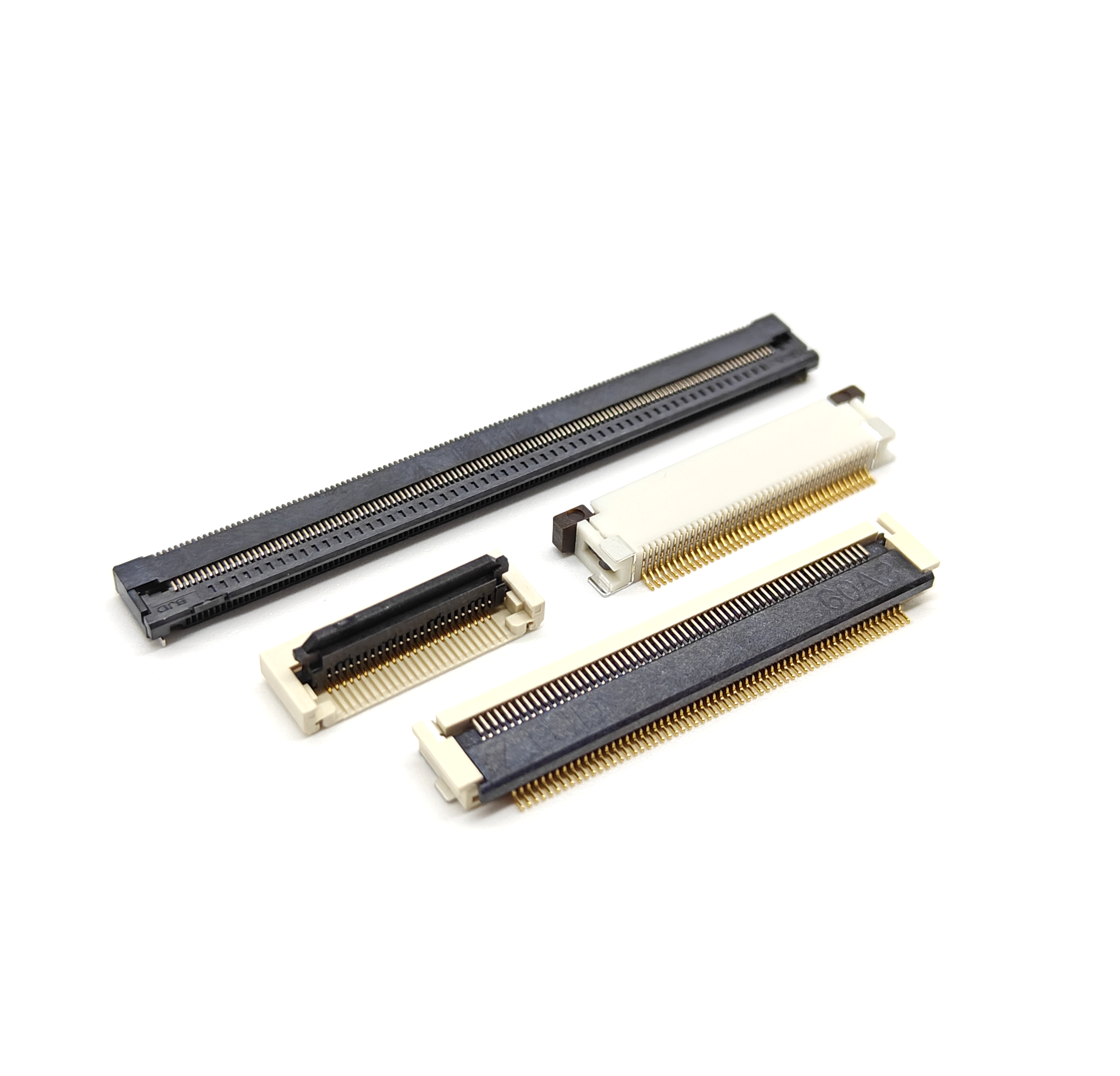
How to Choose the Right FPC/FFC Connector for Compact Electronics
View More
2026-10-24
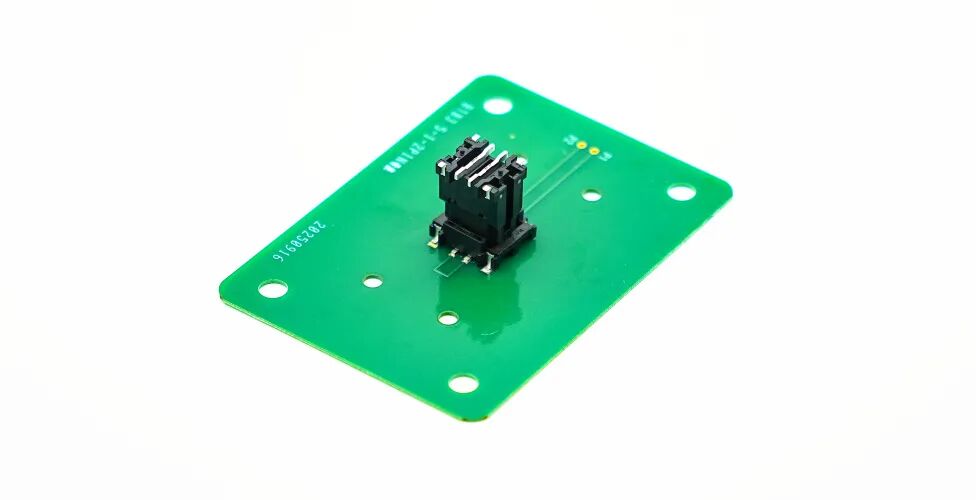
Three-Axis Floating · Four-Contact Anti-Vibration · 30A High Current | B3501 Series
View More

